
Applications
Push to a branch. That is the whole deploy.
Ship from a GitHub repo, a registry image, or your own pipeline. Rolling or recreate, with routing and HTTPS already handled. Every version you ever shipped stays on the shelf.
£5/mo for 3 servers. Builds and bandwidth are on the house.
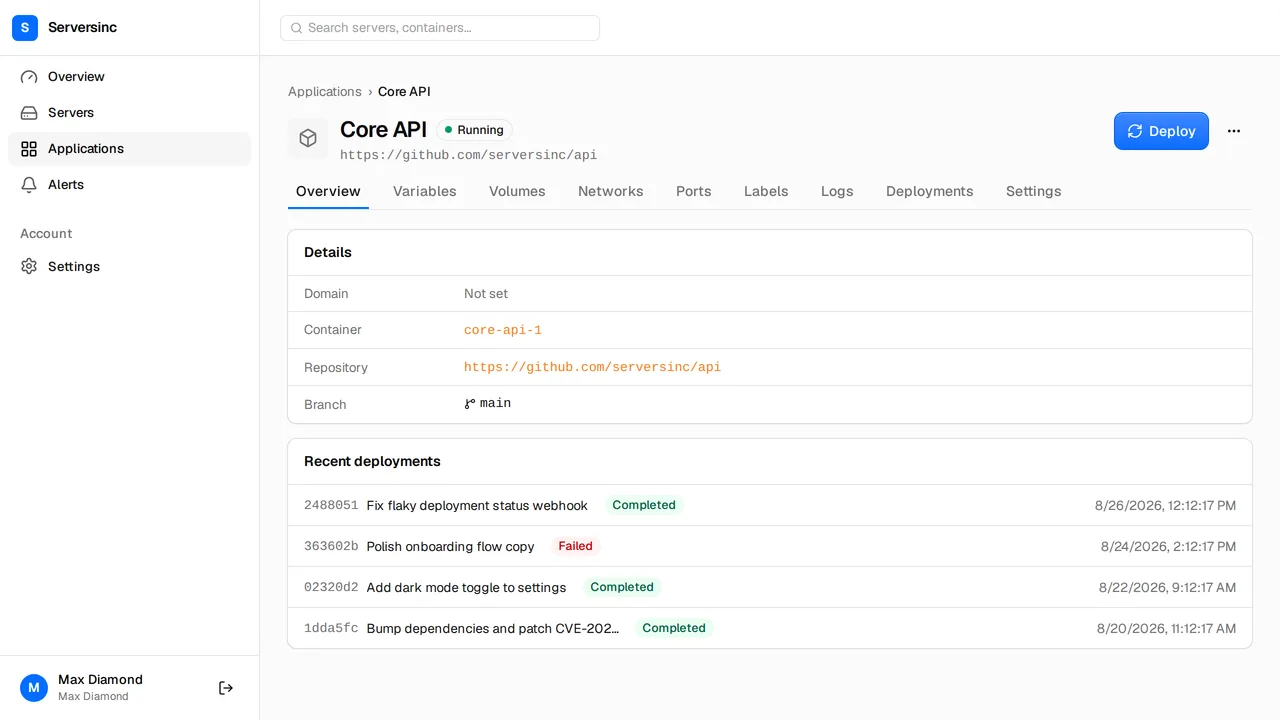
What every application walks in with
Source
GitHub or a Docker image
Rebuild on push from a connected branch, or pull a tagged image from a registry. Either way, it just ships.
Strategy
Rolling or recreate
Rolling swaps containers without dropping a request. Recreate is the fast path when downtime is fine.
Routing
Traefik with automatic TLS
New containers come up on HTTPS the moment they start, routing and certificate already handled.
Config
Variables, volumes, labels
Set the environment around the image from the dashboard, versioned with the deploy that used it.
History
Every deployment kept
Status and logs kept for every deploy, so a rollback is a version you can read before you trust it.
Control
Start, stop, rename, redomain
Start, stop, rename, redomain, from the dashboard, the API, or the sinc CLI.
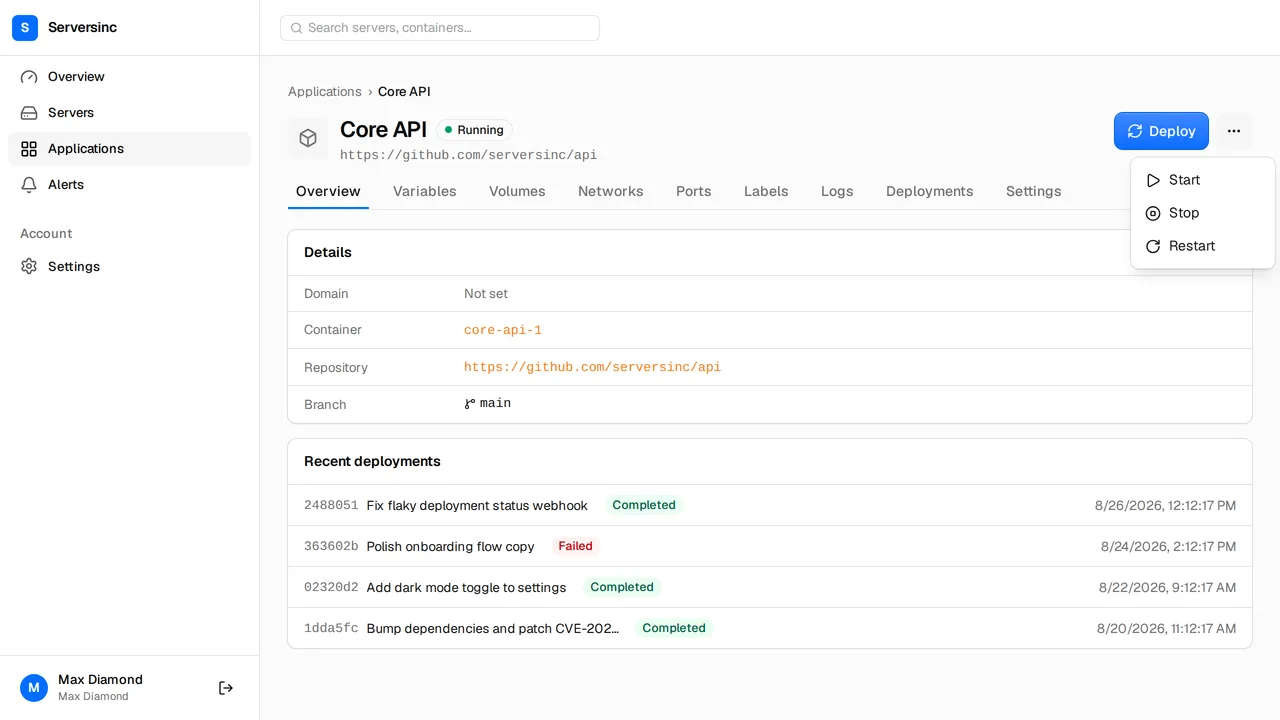
Applications
An image, plus the whole tower of power around it
Variables, volumes, networks, ports and labels, all versioned with the deployment that used them. Nothing lives only in your head.
- Push to a connected branch and Serversinc rebuilds and redeploys
- Every deployment keeps its logs, so a rollback is a version you read first, then ship
- Start, stop, restart, rename or change the domain from here
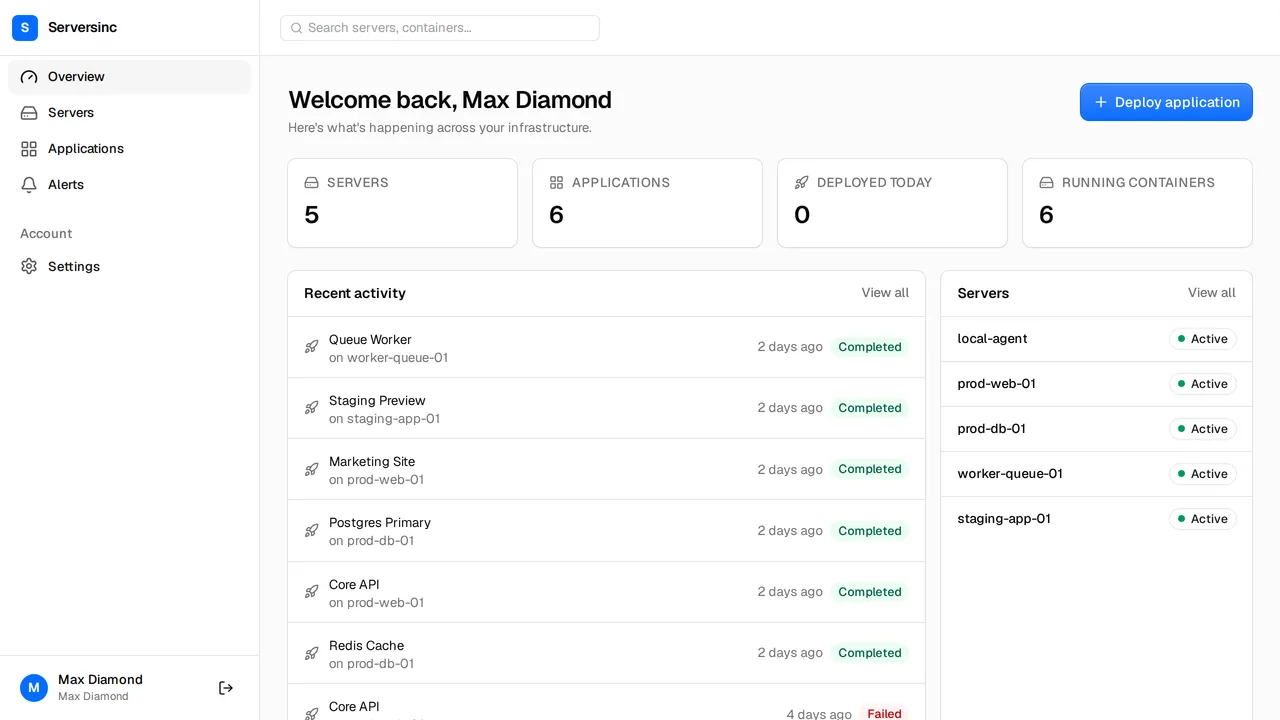
Signals
A failed build tells you before your users do
Metrics and logs stream back from every server. A build that fails or a container that falls over raises a notification before anyone opens a ticket.
- Delivered to Slack, Discord or a webhook
- Per container logs, streamed live in the dashboard or the CLI
- Thresholds on CPU, memory and disk raise the same way
Automation
The dashboard is one client. The API is the arena.
Features ship on the API first, so anything you can click you can also call. Every endpoint is public, documented, and there before the UI catches up.
curl -X POST https://api.serversinc.io/v1/applications \
  -H "Authorization: Bearer $SERVERSINC_TOKEN" \
  -H "Content-Type: application/json" \
  -d '{
    "name": "api",
    "type": "github",
    "repository": "https://github.com/acme/api",
    "branch": "main",
    "server_id": "01HV2J3K4M5N6P7Q8R9S0T1U2V",
    "deploy_strategy": "rolling"
}'$ sinc deploy 01HV2J3K4M5N6P7Q8R9S0T1U2W
Deployment queued, following logs.
Starting deployment for api on vps-100 using ROLLING strategy
Pulling image
Starting new container
Retiring previous container
Deployment completeServersinc, or SSH and a prayer
Everything you used to do by hand between a push and a running container. Gone.
| Feature | Traditional | Serversinc |
|---|---|---|
| Deployments | SSH in, pull the repo, rebuild, restart | Push to a branch. Walk away. |
| Rollbacks | Redeploy an older image, if you kept one | Redeploy any version you ever shipped |
| Logs | SSH in and tail each container by hand | Live logs for any app, dashboard or CLI |
| Config | Edit .env files and recreate containers | Variables, volumes and labels in one place |
| Routing | Write proxy config, wire up TLS | A working HTTPS route the second it starts |
| Notifications | Check in to see if a build failed | Alerts for failed builds, crashes and downtime, before your users |
FAQs
Deploy your first container
Connect a server, point at a repo or an image, pick a strategy. That is the whole job. The docs walk through GitHub deploys, registry images and rollbacks.