


A Fly.io alternative on your own servers
Your containers on a box you own, with one line on the bill.
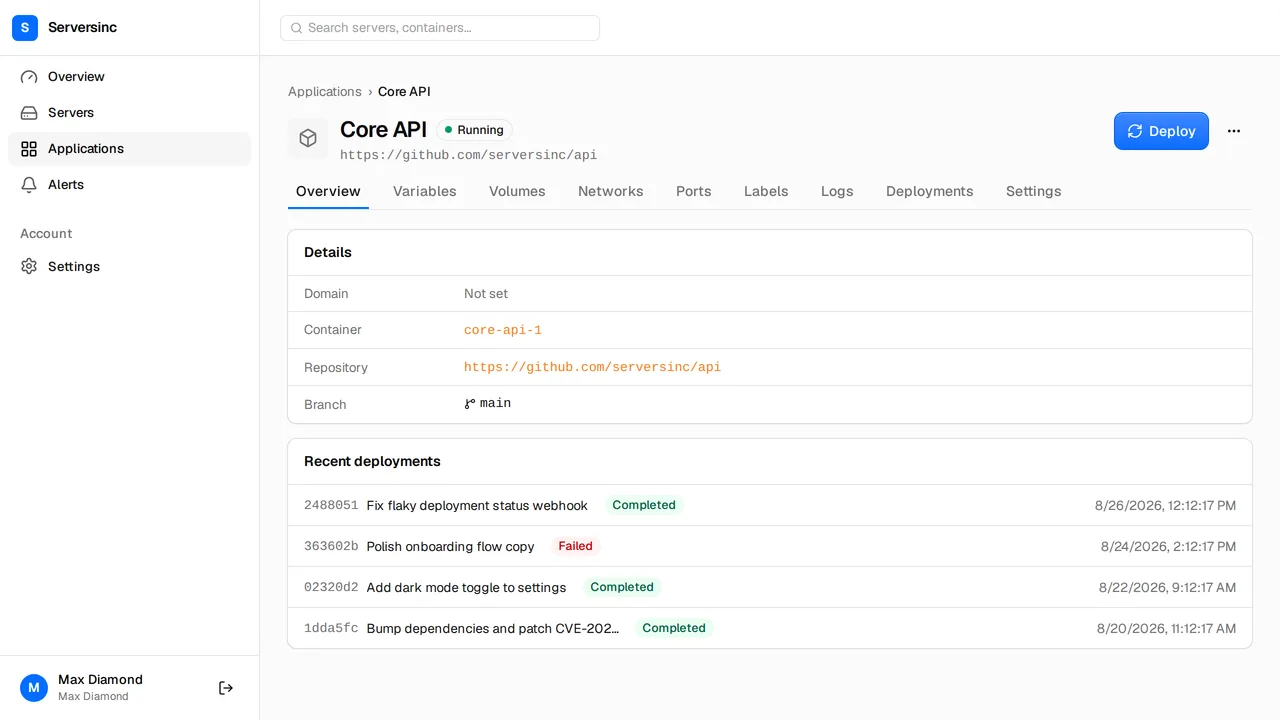
What you get moving from Fly.io
Fly.io runs your containers as Machines in its own regions, billed per second. Serversinc deploys containers to servers you own, billed per server.
One line on the bill
£5 a month for three servers, then £2 each. Machines, IPs and egress aren't metered.
Machines you own
Import a box you run, or provision one on DigitalOcean or Hetzner with your key.
Push to deploy
Connect a GitHub branch and every push builds and ships. Images from any registry work too.
Rollback on a failed check
Traffic stays on the old container until the new one passes its health check.
Postgres, MySQL, MariaDB
Provisioned on your server, with users, schemas and grants.
In your bucket
Scheduled database and volume backups to S3, R2, B2 or Spaces.
The bill, side by side
Fly.io has no plan fee. Machines are billed per second: a shared-cpu-1x runs about $1.94 a month at 256 MB and $15.55 at 2 GB in the base region, and other regions cost more. Volumes are $0.15 per GB, a dedicated IPv4 is $2 a month and egress is $0.02 to $0.12 per GB.
- Platform fee
- Fly.io None; pay for what you run Serversinc £5/mo for three servers
- Compute
- Fly.io Per second: shared-cpu-1x from about $1.94/mo (256 MB) to $15.55/mo (2 GB) Serversinc Your server at your provider's price; run as many apps as fit
- Managed Postgres
- Fly.io From $38/mo, plus $0.28 per GB of storage Serversinc Postgres, MySQL or MariaDB on your server, no per-database charge
- Network
- Fly.io Egress $0.02–$0.12 per GB by region; dedicated IPv4 $2/mo Serversinc Not billed by Serversinc; your provider's terms apply
- Support
- Fly.io Paid plans from $29/mo Serversinc Included
Prices checked on 2026-09-27, in each vendor's own currency.
From Fly.io to Serversinc
Run both side by side. Cut over when the new deploy is green.
-
01
Provision a server
Pick a size and region on DigitalOcean or Hetzner, or import a server you already run.
-
02
Reuse your Dockerfile
Point Serversinc at the repo that holds it, or deploy the image you already push. Move the secrets over as env vars.
-
03
Move the data
Provision Postgres on the server and restore a dump from Fly.io. Copy volume data across.
-
04
Deploy, then switch DNS
Deploy, confirm the health check passes, then point the domain at the new server.
Switching from Fly.io
Bring your first server
£5 a month covers your first three servers. Every server after that adds £2.