


Import a server or provision a new one.
The server stays on your provider and your bill. Serversinc runs your commands and schedules, and records who did what.
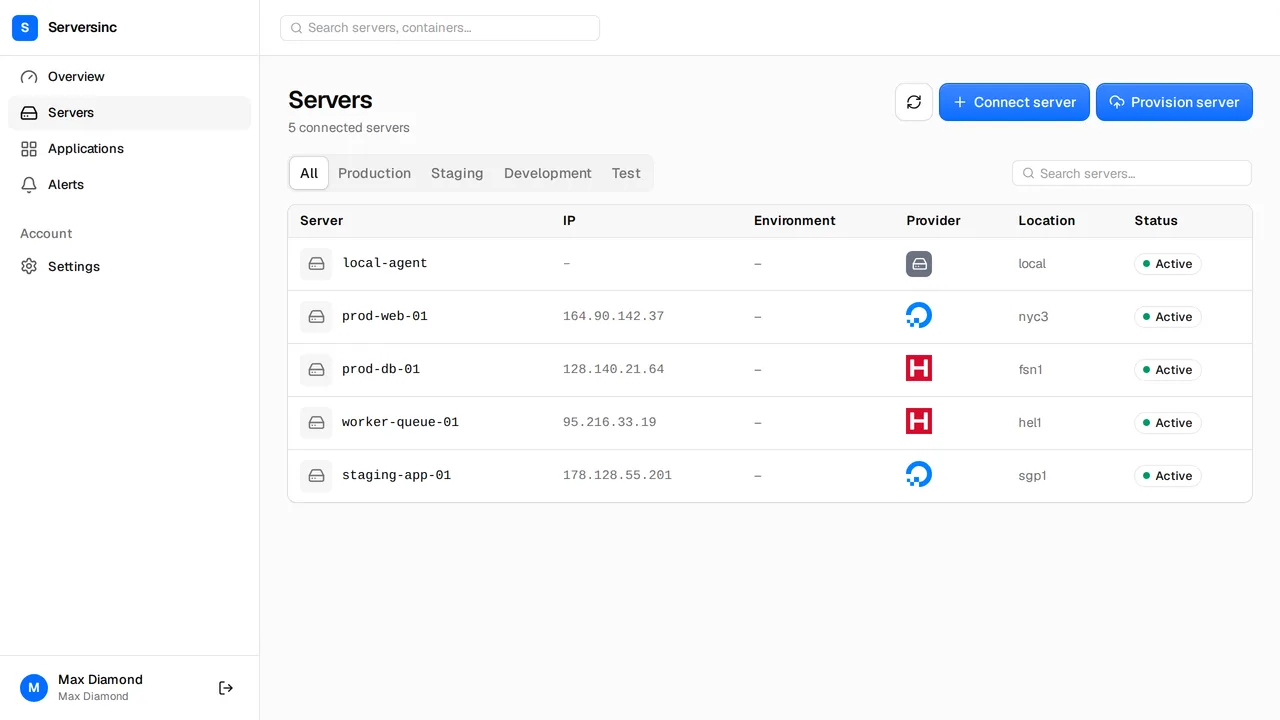
Run every server from one dashboard.
Import the servers you run or create new ones. Every command and schedule is recorded.
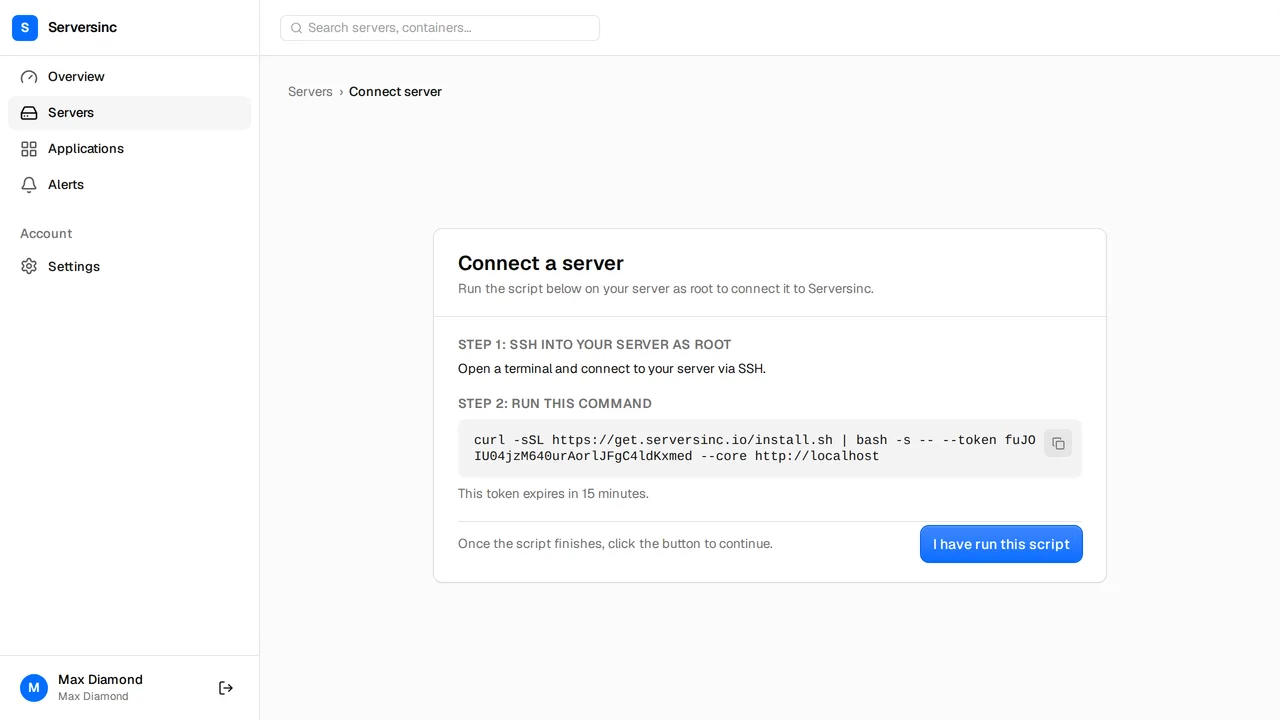
Import a server you already run
Run one command over SSH to connect a server you already use.
Create servers on your cloud account
Pick a provider, region and size. Serversinc creates the server on your account and sets it up for deployments.
Commands with a full history
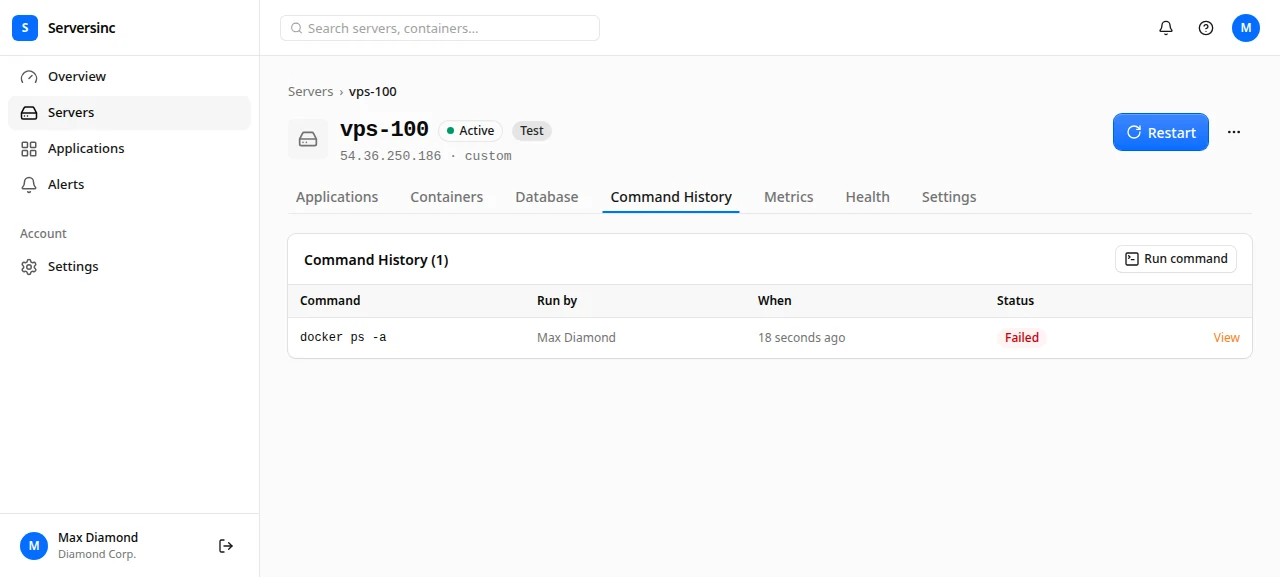
Every command records who ran it, its exit code and its output.
Scheduled commands
Schedule commands with cron and see the output of every run in the dashboard.
CPU, memory and network charts
CPU, memory and network charts for every server, updated every 5 minutes. Nothing extra to install.
Confirmation for destructive commands
Commands that wipe a disk, shut the server down or pipe a download into a shell ask you to confirm first.
From plain box to managed server in one command
Copy the command from the dashboard and run it on the server. Serversinc installs what it needs, and the server appears in your dashboard ready for deployments.
- Works on servers that already run production workloads
- The dashboard shows which setup stage the server is on
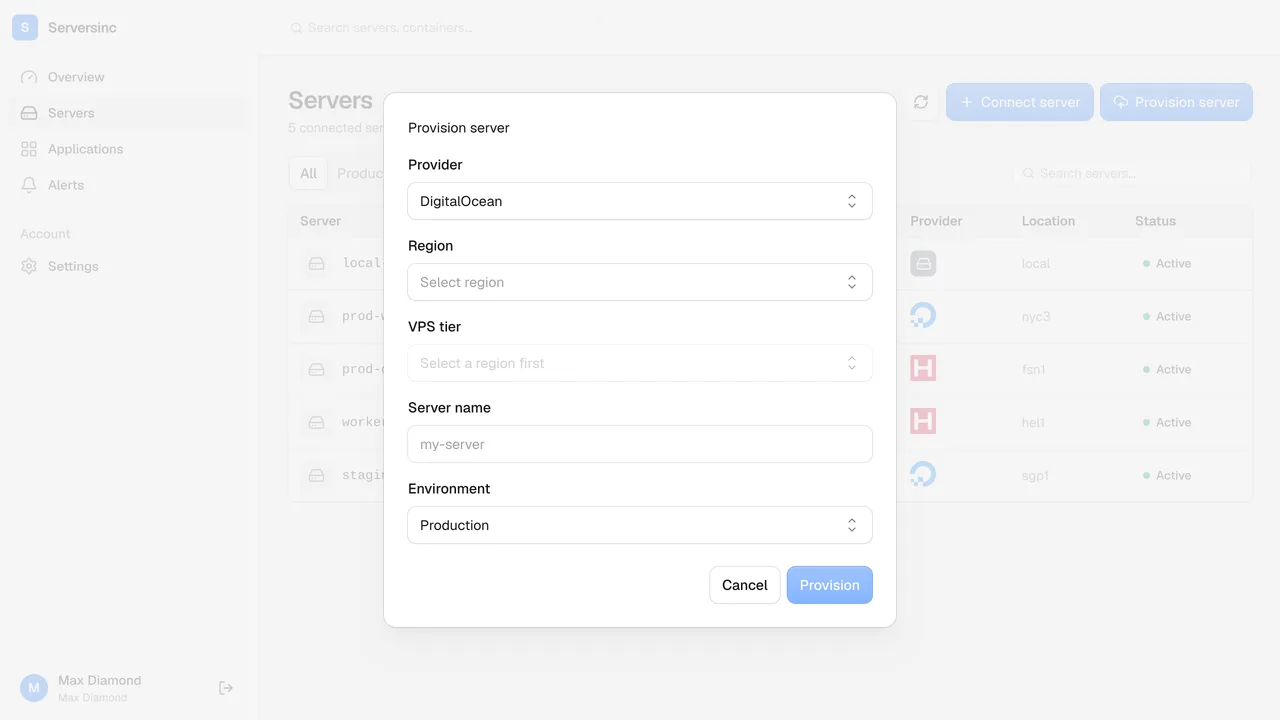
Provision on your own cloud account
Add your provider's API key once. Choose a region and size, and Serversinc creates the machine on your cloud account and prepares it for production.
- Pick any region and size your provider offers
- Serversinc sets the server up for deployments once it boots
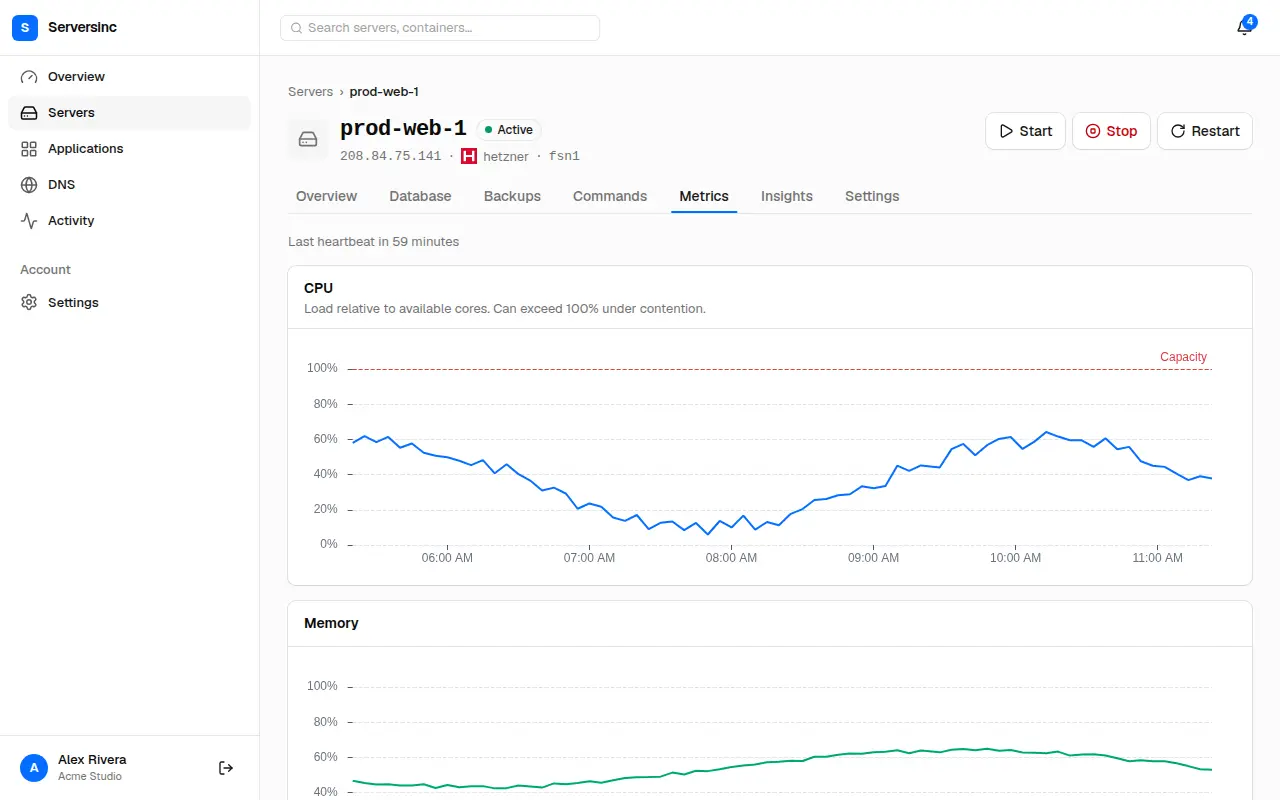
CPU, memory and network charts
Every server has a Metrics tab with CPU, memory and network charts over time, updated every 5 minutes.
- CPU and memory history for every server, with no monitoring stack to install
- Network traffic in and out of each server
- Set alert thresholds on any of these metrics under Insights
Command history and schedules
Run a command from the Commands tab and it goes into the history with who ran it, its status, exit code and output. Schedule the ones that repeat.
- Manual and scheduled runs in one history, with output and exit codes
- Destructive commands ask you to confirm before they run
- Schedule any command with a standard cron expression
The things worth asking first.
Start with one server.
Import a server you already run, or provision one on your cloud account. The servers stay on your provider and your bill. £5 a month covers the first three.