


Fly.io vs Serversinc
Fly.io runs your containers as Machines around the world. Serversinc runs them on servers you own for a flat fee.
Checked against Fly.io's public pricing and docs on 2026-09-27.
What Fly.io is, and what Serversinc is
Both get your apps running. Here is how each one does it.
Fly.io runs containers as Machines in 17 regions and routes users to the nearest one. You deploy with flyctl and pay per second for each Machine, plus volumes, IPv4 addresses, certificates past the first ten and egress. Managed Postgres starts at $38 a month.
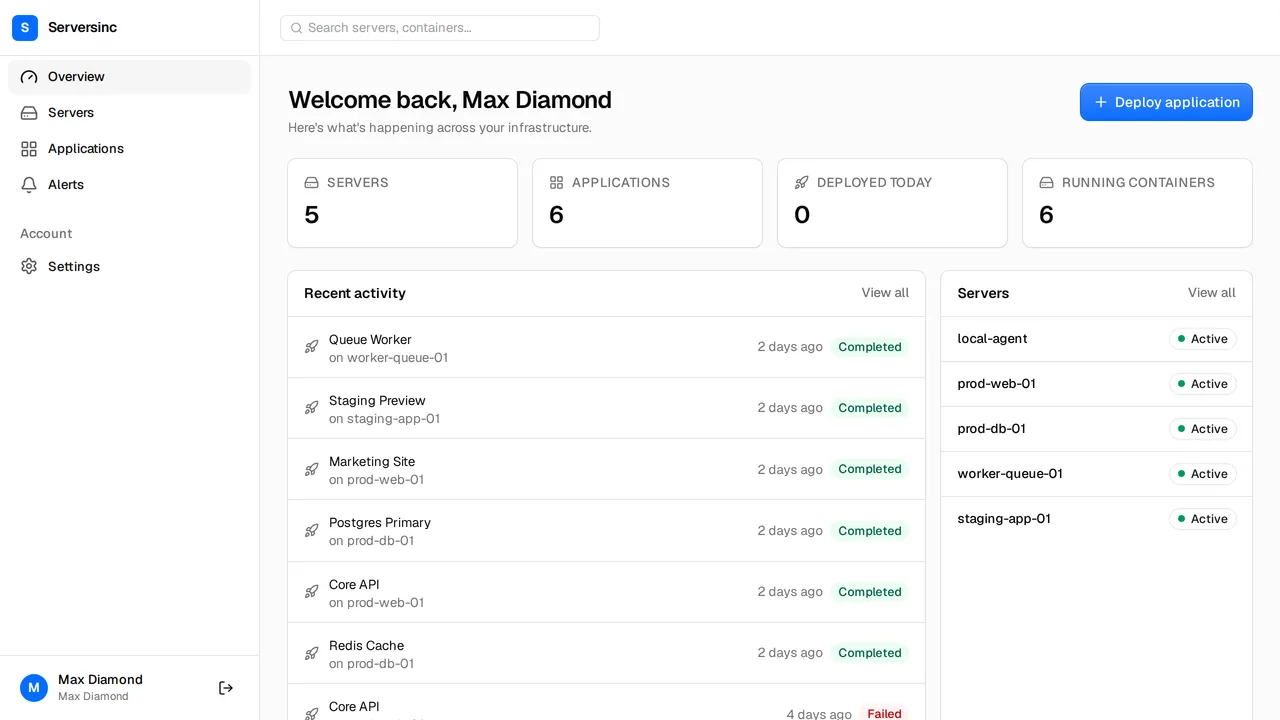
Serversinc gives you a managed deploy flow on servers you own. Import a box or provision one on your cloud account, then deploy on every push to GitHub or from any registry. You pay £5 a month for your first three servers and £2 for each after.
What the bill looks like
Fly.io has no plan fee. Machines are billed per second: a shared-cpu-1x runs about $1.94 a month at 256 MB and $15.55 at 2 GB in the base region, and other regions cost more. Volumes are $0.15 per GB, a dedicated IPv4 is $2 a month and egress is $0.02 to $0.12 per GB.
- Platform fee
- Fly.io None; pay for what you run Serversinc £5/mo for three servers
- Compute
- Fly.io Per second: shared-cpu-1x from about $1.94/mo (256 MB) to $15.55/mo (2 GB) Serversinc Your server at your provider's price; run as many apps as fit
- Managed Postgres
- Fly.io From $38/mo, plus $0.28 per GB of storage Serversinc Postgres, MySQL or MariaDB on your server, no per-database charge
- Network
- Fly.io Egress $0.02–$0.12 per GB by region; dedicated IPv4 $2/mo Serversinc Not billed by Serversinc; your provider's terms apply
- Support
- Fly.io Paid plans from $29/mo Serversinc Included
List prices in each vendor's own currency. Server costs from your cloud provider are billed separately on both sides unless stated.
Side by side
Deploys, databases, backups, alerts and automation.
- Where apps run
- Fly.io Fly.io Machines in 17 regions, behind an Anycast network Serversinc Servers you own, at any provider and in any region they offer
- Sources
- Fly.io Dockerfile, buildpacks or an image, deployed with flyctl Serversinc GitHub App builds and Docker images from any registry
- Scaling
- Fly.io Machines in several regions, with auto stop and start Serversinc CPU and memory limits per application, on the server you choose
- Databases
- Fly.io Managed Postgres with high availability, from $38/mo Serversinc Provision Postgres, MySQL or MariaDB with users, schemas and grants
- Backups
- Fly.io Included with Managed Postgres; volume snapshots held by Fly.io Serversinc Scheduled database and volume backups to an S3-compatible bucket you own
- Server upkeep
- Fly.io Fly.io runs the hosts Serversinc The server is yours; Serversinc sets up routing, HTTPS and the agent
- Automation
- Fly.io flyctl, the Machines API and an experimental MCP server Serversinc REST API, per-application deploy triggers and an MCP server
Both are good tools. Pick the one that fits.
Where each one is the stronger choice, stated plainly.
Pick Fly.io if
- You need your app close to users in many regions at once.
- Your app can stop when idle and start on the next request.
- You want managed Postgres with high availability.
- You're happy deploying from the CLI.
Pick Serversinc if
- Your apps run all day in one or two regions.
- You want one line on the bill, not machines, IPs, certificates and egress.
- You want a dashboard that deploys on every push to GitHub.
- You want MySQL or MariaDB, or backups in a bucket you control.
Fly.io vs Serversinc, answered
Connect your first server
Import a server you already run, or provision one on your own cloud account. The first three servers are £5 a month.