


DigitalOcean App Platform vs Serversinc
App Platform bills each container. Serversinc runs them all on a Droplet you own.
Checked against DigitalOcean App Platform's public pricing and docs on 2026-09-27.
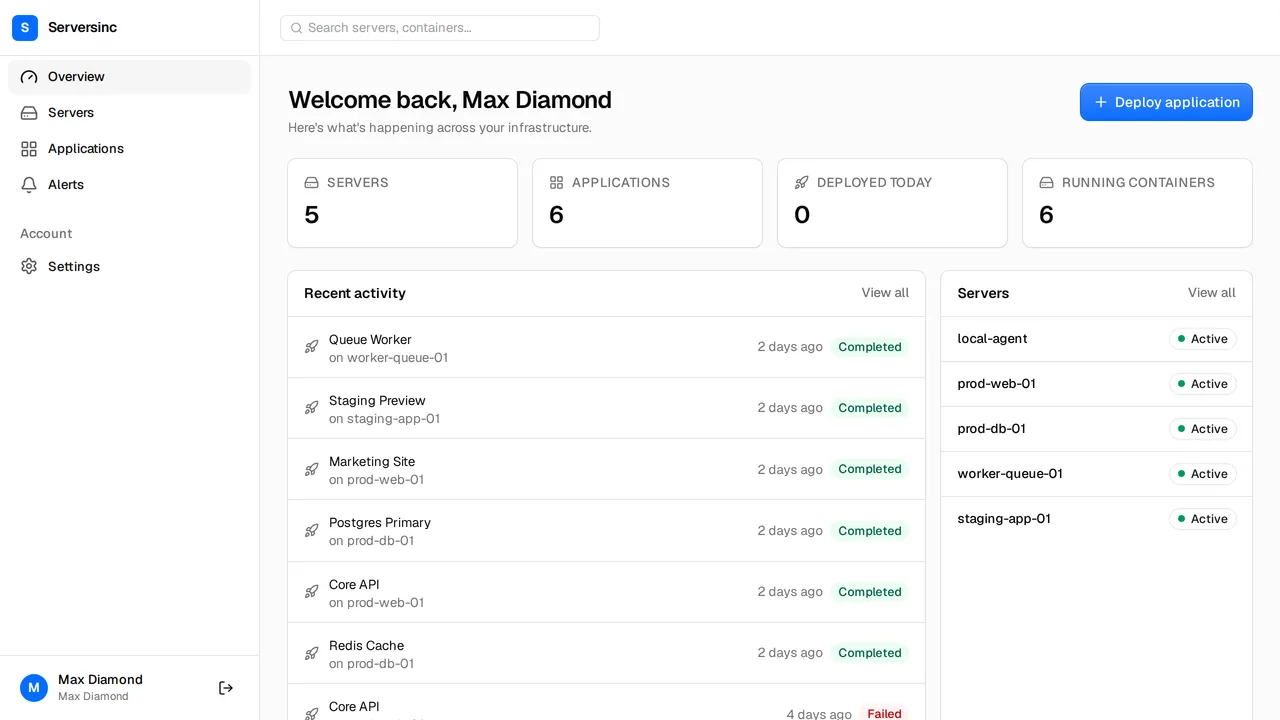
What DigitalOcean App Platform is, and what Serversinc is
Both get your apps running. Here is how each one does it.
DigitalOcean App Platform is a managed platform. Each web service, worker and job is its own container, billed from $5 a month, with buildpack or Dockerfile builds, autoscaling and rollback to recent deployments. Databases are dev databases or Managed Databases, billed on their own.
Serversinc gives you a managed deploy flow on servers you own. Provision a Droplet with your DigitalOcean key, or bring a server from anywhere, and run as many apps and databases as it fits. You pay £5 a month for your first three servers and £2 for each after.
What the bill looks like
App Platform hosts up to 3 static sites free. Containers start at $5 a month for 1 vCPU and 512 MiB, $10 for 1 GiB, and $12 to $50 for scalable sizes. Each container includes a bandwidth allowance, then $0.02 per GiB. A dev database is $7 a month.
- Platform fee
- DigitalOcean App Platform None; pay per container Serversinc £5/mo for three servers
- Compute
- DigitalOcean App Platform $5/mo per container (512 MiB), $10 (1 GiB), $12–$50 scalable Serversinc Your server at your provider's price; run as many apps as fit
- Web app, worker and database
- DigitalOcean App Platform $17/mo on the smallest sizes: two $5 containers and a $7 dev database Serversinc One server at your provider's price, plus £5/mo
- Bandwidth
- DigitalOcean App Platform Allowance per container, then $0.02 per GiB Serversinc Not billed by Serversinc; your provider's terms apply
- Seats
- DigitalOcean App Platform DigitalOcean team members, no seat charge Serversinc Up to 10, no seat charge
List prices in each vendor's own currency. Server costs from your cloud provider are billed separately on both sides unless stated.
Side by side
Deploys, databases, backups, alerts and automation.
- Where apps run
- DigitalOcean App Platform DigitalOcean's managed platform Serversinc Servers you own, on DigitalOcean, Hetzner or any Linux box
- Sources
- DigitalOcean App Platform GitHub, GitLab, public Git, DOCR and Docker Hub; buildpacks or Dockerfile Serversinc GitHub with a Dockerfile, and Docker images from any registry
- Scaling
- DigitalOcean App Platform Manual scaling and autoscaling on CPU or request metrics Serversinc CPU and memory limits per application, on the server you choose
- Deploys
- DigitalOcean App Platform Health checks and rollback to one of the last ten deployments Serversinc Rolling or recreate, gated on a health check, with rollback
- Databases
- DigitalOcean App Platform Dev databases and DigitalOcean Managed Databases, billed per cluster Serversinc Provision Postgres, MySQL or MariaDB with users, schemas and grants
- Backups
- DigitalOcean App Platform Managed Databases back up daily, held by DigitalOcean Serversinc Scheduled database and volume backups to an S3-compatible bucket you own
- Automation
- DigitalOcean App Platform API, doctl, app spec and an MCP server Serversinc REST API, per-application deploy triggers and an MCP server
Both are good tools. Pick the one that fits.
Where each one is the stronger choice, stated plainly.
Pick DigitalOcean App Platform if
- You never want to patch a server, even on DigitalOcean.
- You need autoscaling on CPU or request rate.
- You deploy from GitLab or build with buildpacks.
- You want Managed Databases with standby nodes.
Pick Serversinc if
- You run several small apps and want them on one Droplet, not billed one by one.
- You want to stay on DigitalOcean with a server you control.
- You want MariaDB, or backups in a bucket you own.
- You also run servers at Hetzner or elsewhere and want one dashboard for all of them.
DigitalOcean App Platform vs Serversinc, answered
Connect your first server
Import a server you already run, or provision one on your own cloud account. The first three servers are £5 a month.