


RunCloud vs Serversinc
RunCloud manages PHP web servers. Serversinc runs every app as a container, with rollouts, backups and the API on every plan.
Checked against RunCloud's public pricing and docs on 2026-09-27.
What RunCloud is, and what Serversinc is
Both get your apps running. Here is how each one does it.
RunCloud sets up Nginx or Apache with PHP on your server and deploys sites from Git with a deploy script. It's strongest for WordPress and PHP hosting. Plans start at $9 a month for one server, with atomic deploys, teams and the API on the $49 Business plan.
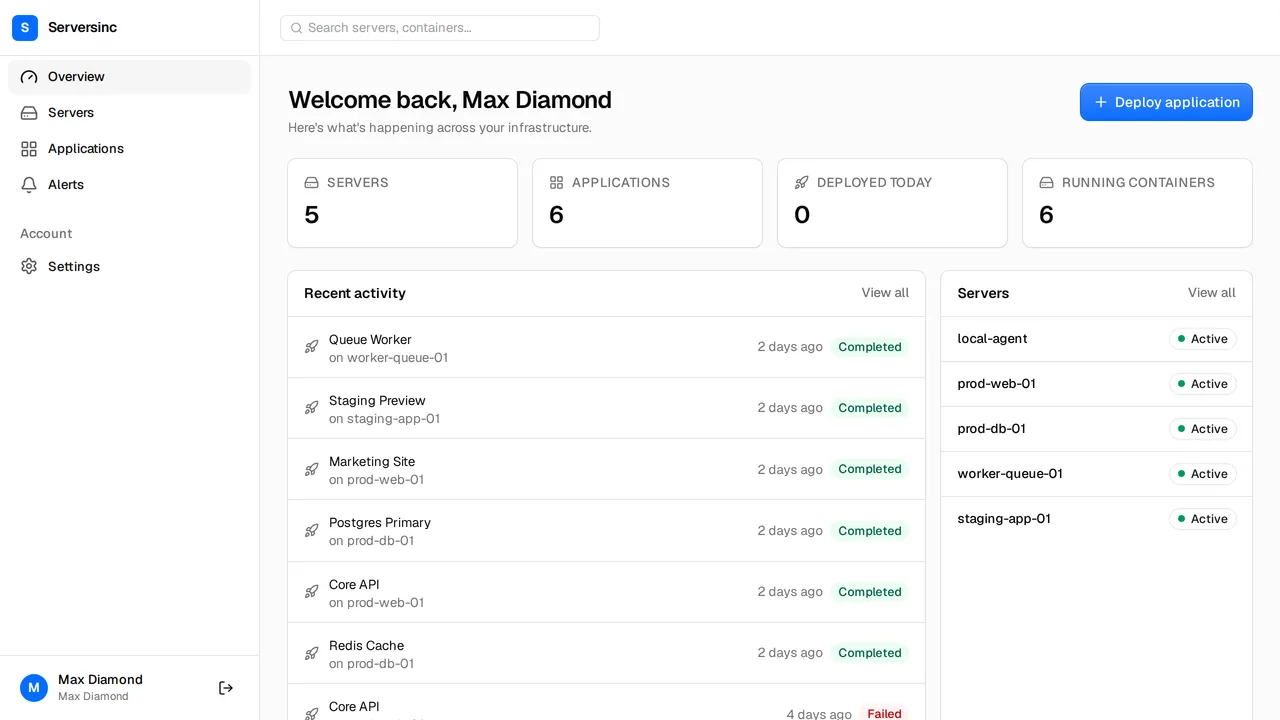
Serversinc runs each application as a container on servers you own, with health-checked rollouts, databases, backups, alerts, the REST API and MCP on every plan. You pay £5 a month for your first three servers and £2 for each after.
What the bill looks like
RunCloud Essentials is $9 a month for one server. Professional is $19 for up to 50 servers, Business is $49 and Enterprise is $399.
- 1 server
- RunCloud $9/mo (Essentials) Serversinc £5/mo
- 3 servers
- RunCloud $19/mo (Professional) Serversinc £5/mo
- 10 servers
- RunCloud $19/mo (Professional) Serversinc £19/mo
- Atomic deploys and teams
- RunCloud $49/mo (Business) Serversinc Included from £5/mo
- API access
- RunCloud Business and above Serversinc Every plan
List prices in each vendor's own currency. Server costs from your cloud provider are billed separately on both sides unless stated.
Side by side
Deploys, databases, backups, alerts and automation.
- Stack
- RunCloud PHP on Nginx or Apache; Node.js and Python behind a proxy; containerised servers Serversinc Anything that runs in a container
- Sources
- RunCloud GitHub, GitLab and Bitbucket with a deploy script Serversinc GitHub, and Docker images from any registry
- Deploys
- RunCloud Atomic deploys on Business Serversinc Rolling or recreate on every plan, gated on a health check with rollback
- Backups
- RunCloud File and database backups, locally or to remote storage Serversinc Database and volume backups to S3, R2, B2 or Spaces, with retention and locks
- Staging
- RunCloud Application cloning and staging environments from Professional Serversinc Deploy the same image tag to a second application
- Servers
- RunCloud Any Ubuntu server from any provider Serversinc Import any Linux server, or provision on DigitalOcean or Hetzner
- Automation
- RunCloud REST API on Business and above Serversinc REST API, per-application deploy triggers and MCP on every plan
Both are good tools. Pick the one that fits.
Where each one is the stronger choice, stated plainly.
Pick RunCloud if
- You host WordPress or PHP sites and want them on a classic Nginx or Apache stack.
- You want one-click staging copies of a site.
- You deploy from GitLab or Bitbucket.
- You run dozens of servers on one flat Professional price.
Pick Serversinc if
- You want health-checked deploys, the team and the API on the entry price.
- You run containers from any language side by side.
- You want a failed release to roll back on its own.
- You want AI agents to operate your fleet through MCP.
RunCloud vs Serversinc, answered
Connect your first server
Import a server you already run, or provision one on your own cloud account. The first three servers are £5 a month.