


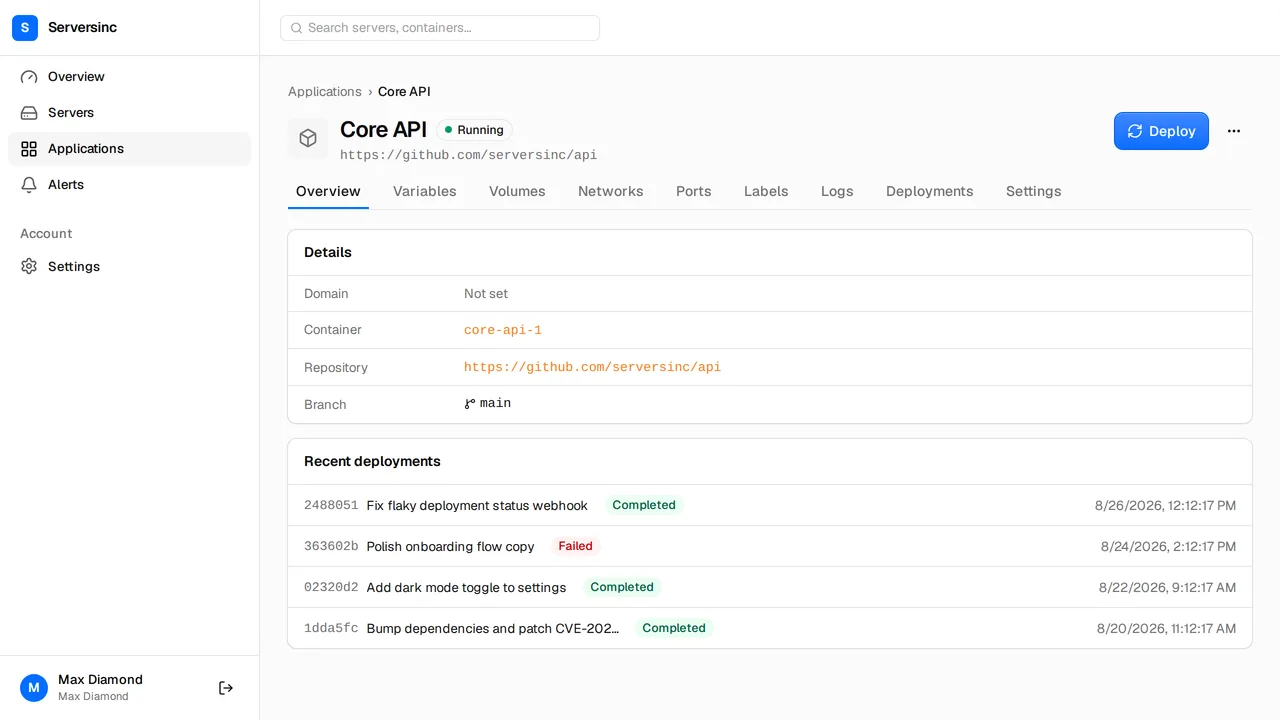
You’ll need a server connected to Serversinc and the Serversinc GitHub App installed on your repository (Settings → Integrations).
Add a Dockerfile
Turn on standalone output first. Next.js then copies only the files the server needs into .next/standalone, with a server.js to start it. The image stays small and doesn’t carry the build’s node_modules.
import type { NextConfig } from 'next';
const nextConfig: NextConfig = {  output: 'standalone',};
export default nextConfig;
Add a route for the health check. It answers without touching your pages or data, so a slow page doesn’t fail a deploy:
export function GET() { return Response.json({ status: 'ok' });}Serversinc builds the Dockerfile at the root of your repository. This one installs dependencies, builds the app, and copies only the standalone output into the final image.
FROM node:22-alpine AS depsWORKDIR /appCOPY package.json package-lock.json ./RUN npm ci
FROM node:22-alpine AS buildWORKDIR /appENV NEXT_TELEMETRY_DISABLED=1COPY --from=deps /app/node_modules ./node_modulesCOPY . .RUN npm run build
FROM node:22-alpineWORKDIR /appENV NODE_ENV=production \    NEXT_TELEMETRY_DISABLED=1 \    PORT=3000 \    HOSTNAME=0.0.0.0
COPY --from=build --chown=node:node /app/.next/standalone ./COPY --from=build --chown=node:node /app/.next/static ./.next/staticCOPY --from=build --chown=node:node /app/public ./public
USER nodeEXPOSE 3000CMD ["node", "server.js"]
HOSTNAME=0.0.0.0 makes the server listen on every interface, so the proxy can reach it. Keep local files out of the build:
.git.nextnode_modules.env*!.env.productionDockerfileCommit package-lock.json. If you use pnpm or Yarn, change the install line to pnpm install --frozen-lockfile or yarn install --immutable.
Create the application
- Open Applications, select New application, then GitHub app.
- Choose the server, the repository and the branch. Name it after your app, such as
storefront. - On Variables, select Paste .env and paste your production values. Mark API keys and passwords as secret. The server reads these at runtime.
- On Labels, add
traefik.http.services.storefront.loadbalancer.server.port=3000. The health check and the proxy both use this port. - On Settings, set Deploy strategy to Rolling and Health check to
/api/health. - Select Deploy.
NEXT_PUBLIC_ variables are different. Next.js writes them into the bundle during the build, so commit them in .env.production instead. They end up in the browser, so they must not hold secrets.
When the deployment shows Completed, open Logs. You’ll see Next.js report that it’s ready.
Put it on a domain
- Point an
Arecord forshop.example.comat the server’s IP address. - On the application’s Settings, enter
shop.example.comunder Domain and save. The Labels tab now shows atraefik.http.routers.storefront.rulelabel. The router takes its name from the application. - On Labels, add these three:
traefik.http.routers.storefront.entrypoints=websecuretraefik.http.routers.storefront.tls=truetraefik.http.routers.storefront.tls.certresolver=le- Deploy again. The certificate is issued once the domain resolves to the server.
Open https://shop.example.com. The container port isn’t published on the host, so outside traffic reaches the app only through the proxy.
Ship a change
Push to the branch. Serversinc builds the new image on the server and rolls it over once /api/health answers. If the new version never answers, Serversinc removes it and the old one keeps serving.
To deploy from CI instead, use the application’s deploy trigger. For the Dockerfile explained in more depth, read Next.js in Docker.