


The Dokploy alternative with the team included
Keep your servers. Serversinc hosts the control plane, and every member of the organisation comes with the first server.
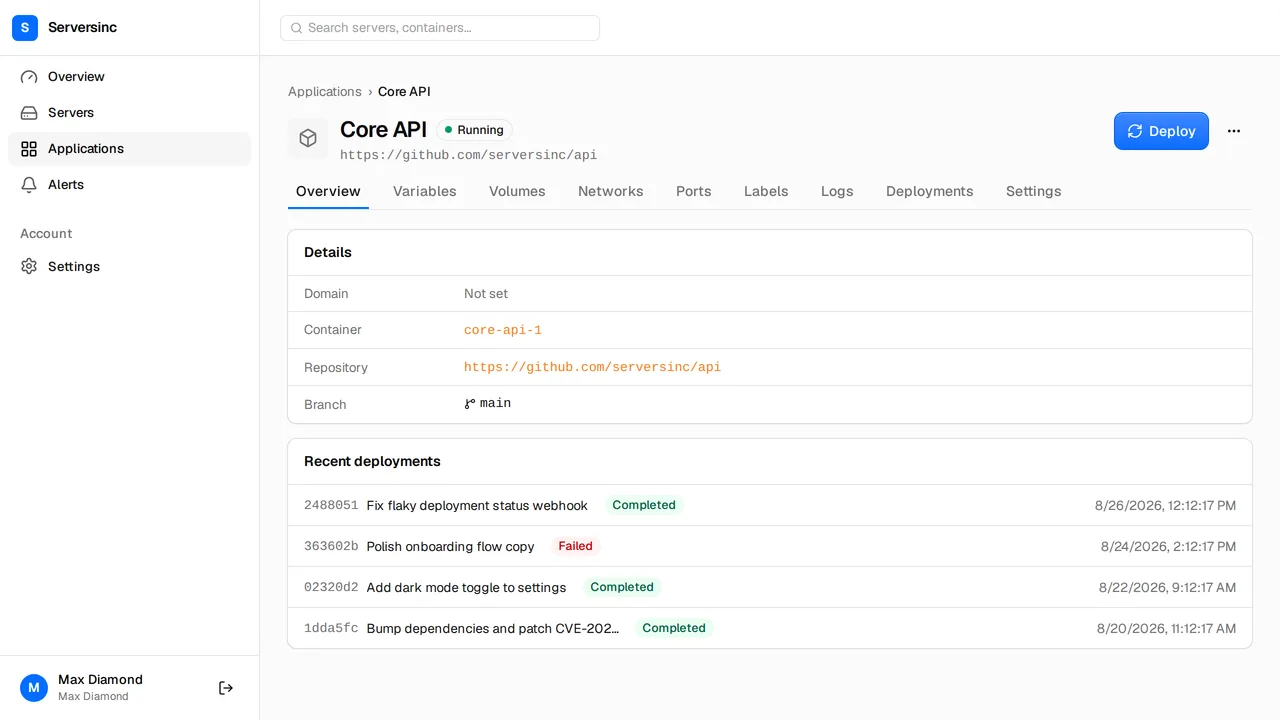
What you get moving from Dokploy
Dokploy is an open-source PaaS built on Docker Swarm, self-hosted or on Dokploy Cloud. Serversinc is a hosted control plane for servers you own.
Nothing to host
Serversinc runs the dashboard, API and scheduler. No instance to update, back up or restore.
Up to ten members, no seat charge
Invite the team on the base plan. Server count is the only meter.
Rollback on a failed check
Rolling deploys keep traffic on the old container until the new one passes its health check.
Users, schemas and grants
Provision Postgres, MySQL or MariaDB, then manage users, access and passwords from the dashboard or API.
Full backups on every plan
Schedules, retention and locks for databases and volumes, to a bucket you own.
REST, triggers and MCP
A deploy trigger per application for CI, and an MCP server for AI clients.
The bill, side by side
Dokploy is free to self-host. Dokploy Cloud Hobby is $4.50 per server for one user. Startup starts at $15 a month for three servers, then $4.50 per server.
- Control plane
- Dokploy Self-hosted: free, on a server you run. Cloud: hosted by Dokploy Serversinc Hosted by Serversinc, included
- 3 servers
- Dokploy $0 self-hosted, $13.50/mo Hobby, $15/mo Startup Serversinc £5/mo
- 5 servers
- Dokploy $0 self-hosted, $22.50/mo Hobby, $24/mo Startup Serversinc £9/mo
- 10 servers
- Dokploy $0 self-hosted, $45/mo Hobby, $46.50/mo Startup Serversinc £19/mo
- Team members
- Dokploy 1 on Hobby, unlimited from Startup Serversinc Up to 10 on every plan, no seat charge
Prices checked on 2026-09-27, in each vendor's own currency.
From Dokploy to Serversinc
Run both side by side. Cut over when the new deploy is green.
-
01
Import your servers
Run the install command on each Dokploy server, or provision a fresh one on DigitalOcean or Hetzner.
-
02
Recreate each application
Point a GitHub application at the same repo and branch, with a Dockerfile at its root, or deploy the image you already push. Copy env vars across in bulk.
-
03
Move the databases
Provision Postgres, MySQL or MariaDB on Serversinc, import a dump, then schedule backups to your bucket.
-
04
Switch the domain
Set the domain on the Serversinc application, deploy, confirm the health check passes, then move DNS.
Switching from Dokploy
Bring your first server
£5 a month covers your first three servers. Every server after that adds £2.