


Dokploy vs Serversinc
Both deploy containers to servers you own. Dokploy builds on Docker Swarm and you can host it yourself. Serversinc hosts the control plane for you.
Checked against Dokploy's public pricing and docs on 2026-09-27.
What Dokploy is, and what Serversinc is
Both get your apps running. Here is how each one does it.
Dokploy is an open-source PaaS on Docker Swarm. Self-host it for free, or use Dokploy Cloud from $4.50 per server. It deploys from Git with Nixpacks, buildpacks or Dockerfiles, runs Compose stacks, and clusters servers with Swarm.
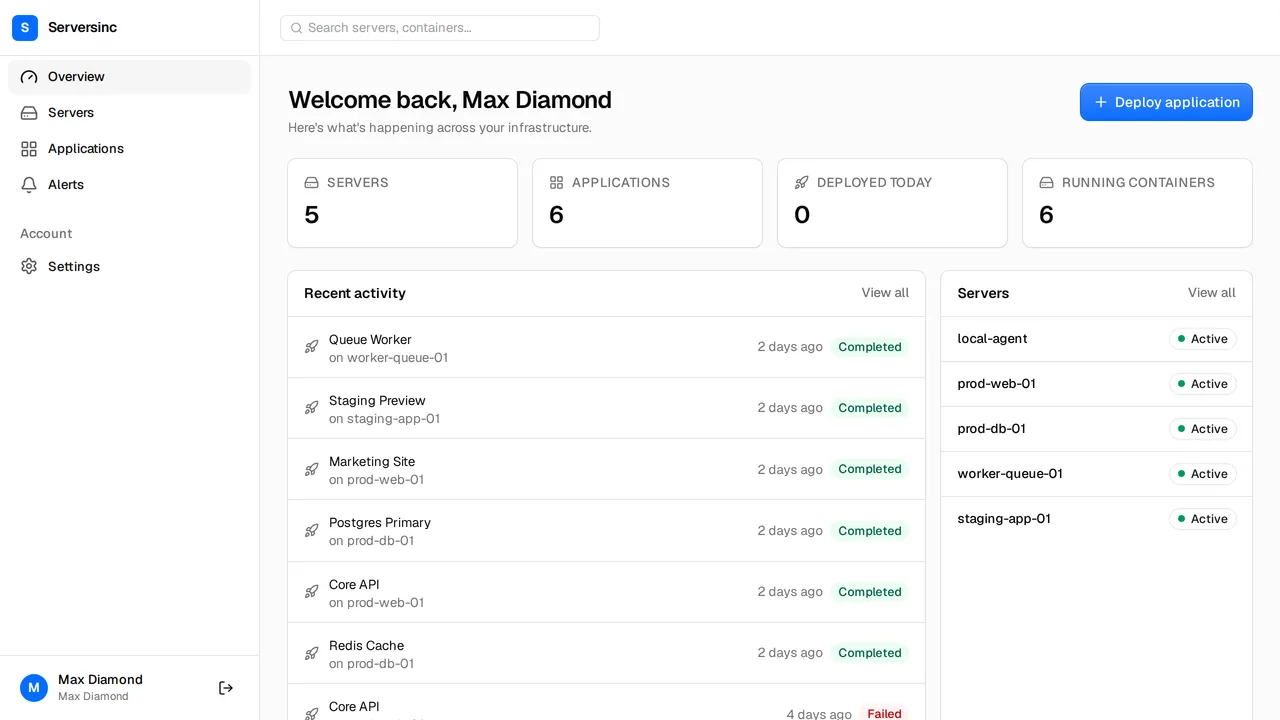
Serversinc is a hosted control plane. You import or provision a server, deploy from GitHub or a registry, and Serversinc gates each rollout on a health check. You pay £5 a month for your first three servers and £2 for each after, with every team member included.
What the bill looks like
Dokploy is free to self-host. Dokploy Cloud Hobby is $4.50 per server for one user. Startup starts at $15 a month for three servers, then $4.50 per server.
- Control plane
- Dokploy Self-hosted: free, on a server you run. Cloud: hosted by Dokploy Serversinc Hosted by Serversinc, included
- 3 servers
- Dokploy $0 self-hosted, $13.50/mo Hobby, $15/mo Startup Serversinc £5/mo
- 5 servers
- Dokploy $0 self-hosted, $22.50/mo Hobby, $24/mo Startup Serversinc £9/mo
- 10 servers
- Dokploy $0 self-hosted, $45/mo Hobby, $46.50/mo Startup Serversinc £19/mo
- Team members
- Dokploy 1 on Hobby, unlimited from Startup Serversinc Up to 10 on every plan, no seat charge
List prices in each vendor's own currency. Server costs from your cloud provider are billed separately on both sides unless stated.
Side by side
Deploys, databases, backups, alerts and automation.
- Sources
- Dokploy Git repositories with Nixpacks, buildpacks or a Dockerfile; Docker Compose; images Serversinc GitHub repositories and Docker images from any registry
- Multi-server
- Dokploy Docker Swarm clusters, with separate build servers Serversinc Each application runs on the server you choose
- Deploys
- Dokploy Swarm rolling updates with configurable health checks Serversinc Rolling or recreate, gated on a health check, with rollback when it fails
- Databases
- Dokploy Postgres, MySQL, MariaDB, MongoDB and Redis Serversinc Postgres, MySQL and MariaDB with users, schemas, grants and password rotation
- Backups
- Dokploy Scheduled database and volume backups to S3 destinations; limited on Hobby Serversinc Scheduled database and volume backups to S3, R2, B2 or Spaces, with retention and locks on every plan
- Alerts
- Dokploy Slack, Discord, Telegram, email, Teams, Gotify, ntfy, webhooks and more Serversinc Email, Slack and signed webhooks, routed per alert
- Access control
- Dokploy Basic RBAC from Startup; SSO, SCIM and audit logs on Enterprise Serversinc Organisation activity log; roles are recorded but not enforced yet
- Automation
- Dokploy REST API, CLI and an MCP server Serversinc REST API, per-application deploy triggers and an MCP server
Both are good tools. Pick the one that fits.
Where each one is the stronger choice, stated plainly.
Pick Dokploy if
- You want the control plane on your own hardware, at no licence cost.
- You run Docker Swarm clusters or Compose stacks.
- You need SSO, SCIM or fine-grained roles today.
- You want MongoDB or Redis managed next to your SQL databases.
Pick Serversinc if
- You want a hosted control plane you never patch or back up.
- You want every team member included from the first server.
- You want a failed health check to roll the deploy back on its own.
- You want database users, schemas and grants managed without a shell.
Dokploy vs Serversinc, answered
Connect your first server
Import a server you already run, or provision one on your own cloud account. The first three servers are £5 a month.