


Render vs Serversinc
Render runs your services on its cloud and bills each one. Serversinc gives you the same deploy flow on servers you own.
Checked against Render's public pricing and docs on 2026-09-27.
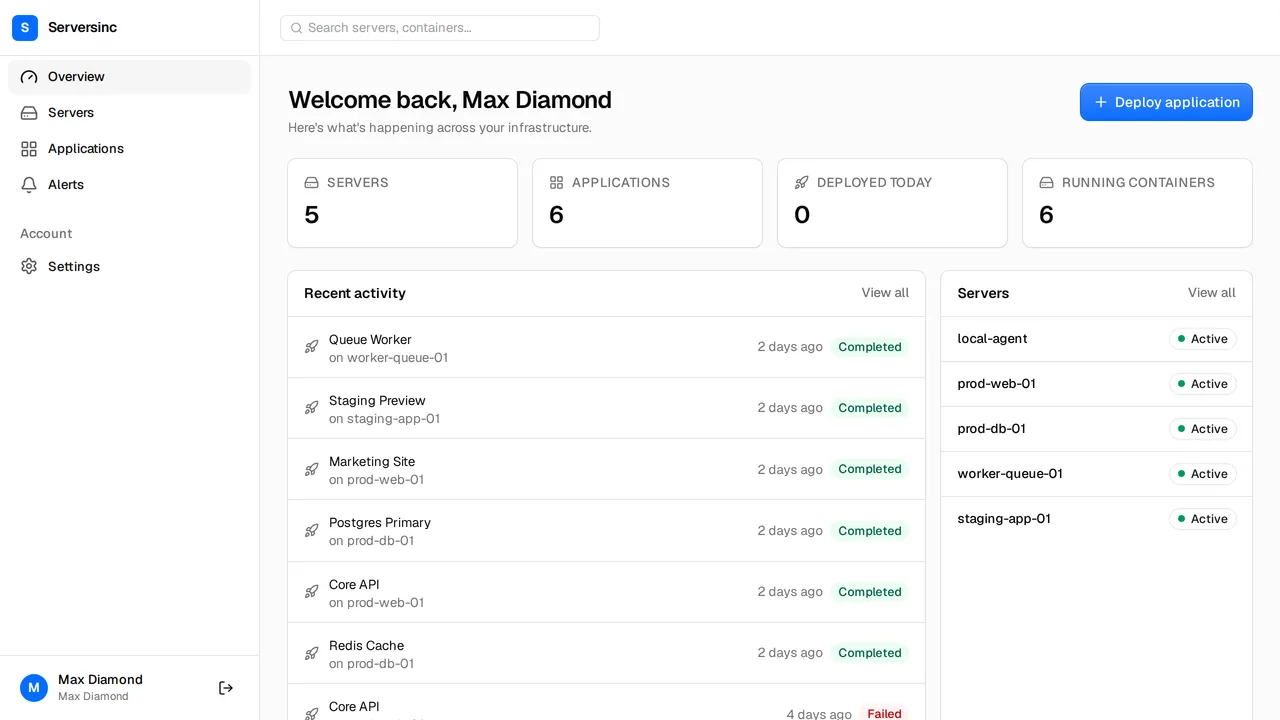
What Render is, and what Serversinc is
Both get your apps running. Here is how each one does it.
Render is a managed platform. You connect a repo, and each web service, worker and database runs as its own instance on Render's infrastructure. You pay a workspace plan, compute per service billed by the second, and bandwidth past your allowance.
Serversinc deploys to servers you own. Build from GitHub or pull an image, and run as many applications and databases as the server holds. You pay your cloud provider for the server, and Serversinc £5 a month for your first three servers and £2 for each after.
What the bill looks like
Render charges a workspace plan (Hobby $0, Pro $25 flat) plus compute per service, from $7 a month for 512 MB, plus bandwidth past the allowance at $0.15 per GB.
- Platform fee
- Render $0 Hobby, $25/mo Pro Serversinc £5/mo for three servers
- Compute
- Render Per service: $7 (512 MB), $25 (2 GB), $85 (4 GB) Serversinc Your server at your provider's price; run as many apps as fit
- Three small web services
- Render $21/mo on Hobby, $46/mo on Pro Serversinc £5/mo, plus one server from your provider
- Bandwidth
- Render Allowance per plan, then $0.15/GB Serversinc Not billed by Serversinc; your provider's terms apply
- Seats
- Render 1 on Hobby, unlimited on Pro Serversinc Up to 10, no seat charge
List prices in each vendor's own currency. Server costs from your cloud provider are billed separately on both sides unless stated.
Side by side
Deploys, databases, backups, alerts and automation.
- Where apps run
- Render On Render's infrastructure Serversinc On servers you own, at any provider
- Idle behaviour
- Render Free web services spin down after 15 minutes without traffic Serversinc Applications run while your server runs
- Sources
- Render GitHub, GitLab, Bitbucket and images Serversinc GitHub and Docker images from any registry
- Scaling
- Render Manual and autoscaling across instances; preview environments Serversinc CPU and memory limits per application, on the server you choose
- Databases
- Render Managed Postgres and Key Value, billed as separate instances; free Postgres expires after 30 days Serversinc Postgres, MySQL or MariaDB on your server, no per-database charge
- Backups
- Render Point-in-time recovery on paid Postgres, held by Render Serversinc Scheduled database and volume backups to an S3-compatible bucket you own
- Server upkeep
- Render Render patches and runs the hosts Serversinc The server is yours; Serversinc sets up routing, HTTPS and the agent
- Automation
- Render REST API, CLI, deploy hooks and an MCP server Serversinc REST API, per-application deploy triggers and an MCP server
Both are good tools. Pick the one that fits.
Where each one is the stronger choice, stated plainly.
Pick Render if
- You never want to own or patch a server.
- You need autoscaling or preview environments per pull request.
- You want managed Postgres with point-in-time recovery.
- You deploy from GitLab or Bitbucket.
Pick Serversinc if
- You run several small services and want them on one server, not billed one by one.
- You want the machine, the data and the backups to be yours.
- You want MySQL or MariaDB as well as Postgres.
- You want the bill to follow server count, not services and bandwidth.
Render vs Serversinc, answered
Connect your first server
Import a server you already run, or provision one on your own cloud account. The first three servers are £5 a month.