


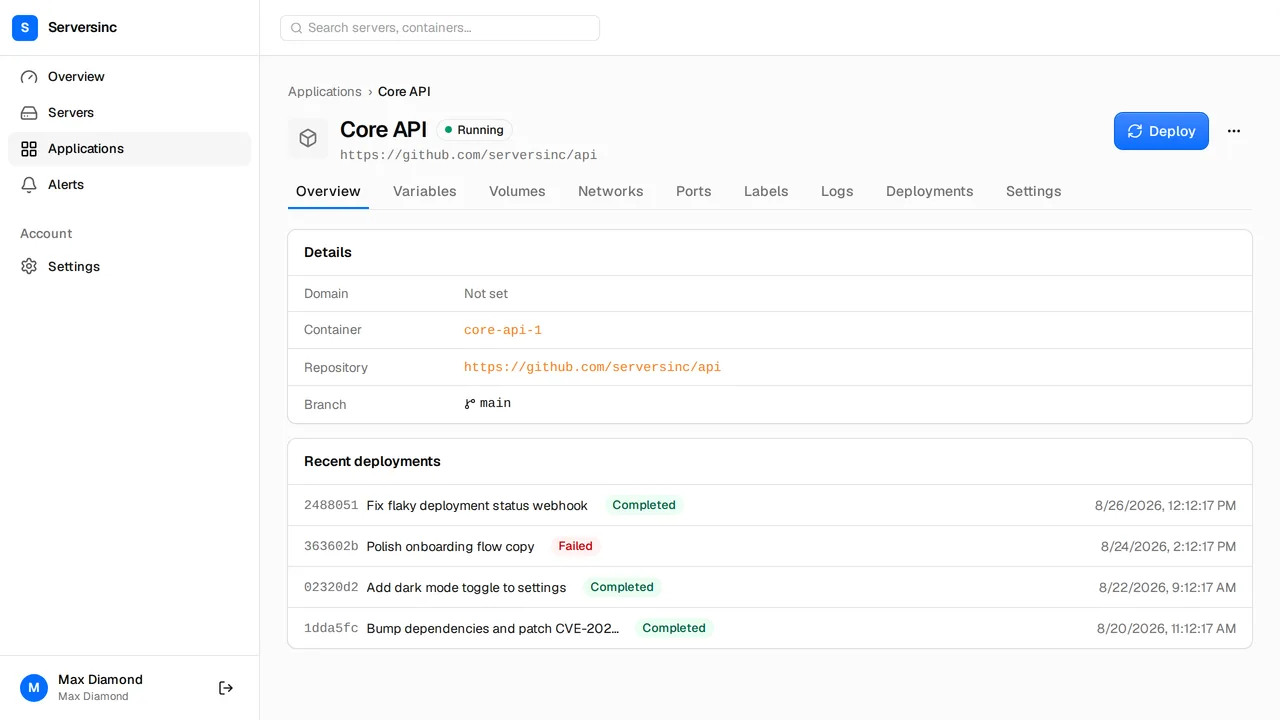
You’ll need a server connected to Serversinc and an image in a registry. If your code is on GitHub and you’d rather build on the server, use a GitHub app instead, as in the Next.js guide.
Push the image
Build the image in CI and push it to your registry. This workflow builds on every push to main and pushes two tags: latest and the commit SHA.
name: Image
on:  push:    branches: [main]
permissions:  contents: read  packages: write
jobs:  image:    runs-on: ubuntu-latest    steps:      - uses: actions/checkout@v7      - uses: docker/setup-buildx-action@v4      - uses: docker/login-action@v4        with:          registry: ghcr.io          username: ${{ github.actor }}          password: ${{ secrets.GITHUB_TOKEN }}      - uses: docker/build-push-action@v7        with:          push: true          tags: |            ghcr.io/${{ github.repository }}:latest            ghcr.io/${{ github.repository }}:${{ github.sha }}
The SHA tag gives you an exact version to go back to. GitHub Container Registry needs the image name in lowercase, so rename the repository or set the tag by hand if it has capitals.
Save the registry credentials
Skip this step if the image is public.
- Create a token that can read the image. On GitHub, that’s a personal access token with the
read:packagesscope. - Open Settings → Providers. Under Registries, select Add registry and enter
ghcr.io, your username and the token.
Saved registries are shared across the organisation, so every application that pulls from ghcr.io can use the same entry.
Create the application
- Open Applications, select New application, then Docker image.
- Choose the server and name the application, such as
api. - Set Docker image to
ghcr.io/acme/apiand Default tag tolatest. - Under Registry credentials, pick the saved registry.
- Under Environment variables, add the values your app reads at runtime.
- Under Labels, add
traefik.http.services.api.loadbalancer.server.port=8080. The health check and the proxy both use this port. - Select Create application.
Then open the application’s Settings. Set Deploy strategy to Rolling and Health check to a path your app answers quickly, such as /health. Select Deploy.
When the deployment shows Completed, open Logs to see the container’s output.
Put it on a domain
- Point an
Arecord forapi.example.comat the server’s IP address. - On the application’s Settings, enter
api.example.comunder Domain and save. The Labels tab now shows atraefik.http.routers.api.rulelabel. The router takes its name from the application. - On Labels, add these three:
traefik.http.routers.api.entrypoints=websecuretraefik.http.routers.api.tls=truetraefik.http.routers.api.tls.certresolver=le- Deploy again. The certificate is issued once the domain resolves to the server.
Deploy from CI
Create a deploy trigger on the application, and store the deploy key and secret as CI secrets. Add a step to the end of the workflow:
- name: Deploy run: | curl -fsS -X POST "https://api.serversinc.io/v1/applications/${{ secrets.SERVERSINC_DEPLOY_KEY }}/trigger" \ -H "X-Deploy-Secret: ${{ secrets.SERVERSINC_DEPLOY_SECRET }}" \ -H "Accept: application/json"Each push to main now builds the image, pushes latest, and deploys it. Serversinc pulls the new image and rolls it over once the health check answers. If the new version never answers, Serversinc removes it and the old one keeps serving.
To deploy an exact SHA tag instead, see Deploy triggers.